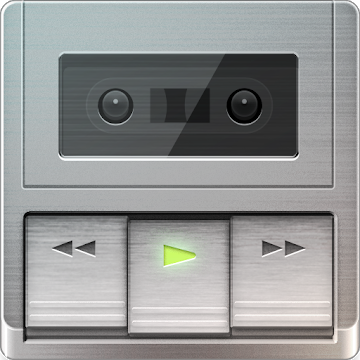
Poweramp skin Retro Metallic
with awesome deck player rectangle buttons!
How to apply:
After installation, click “Poweramp Retro Metallic” app icon, then click “Set skin: Retro Metallic” (happens the first time the skin may not work, then try to repeat the application of skin again) or switch skin in Poweramp settings: In Poweramp Settings —> Look and Feel —> Skin. Then choose Retro Metallic Skin.
poweramp skin com.maxmpz.audioplayer.skin
What’s New
3.1
Added skin settings option to set V2 Style deck buttons
This app has no advertisements
Screenshots

Downloads
Poweramp skin Retro Metallic v3.1 [Paid] APK / Mirror

